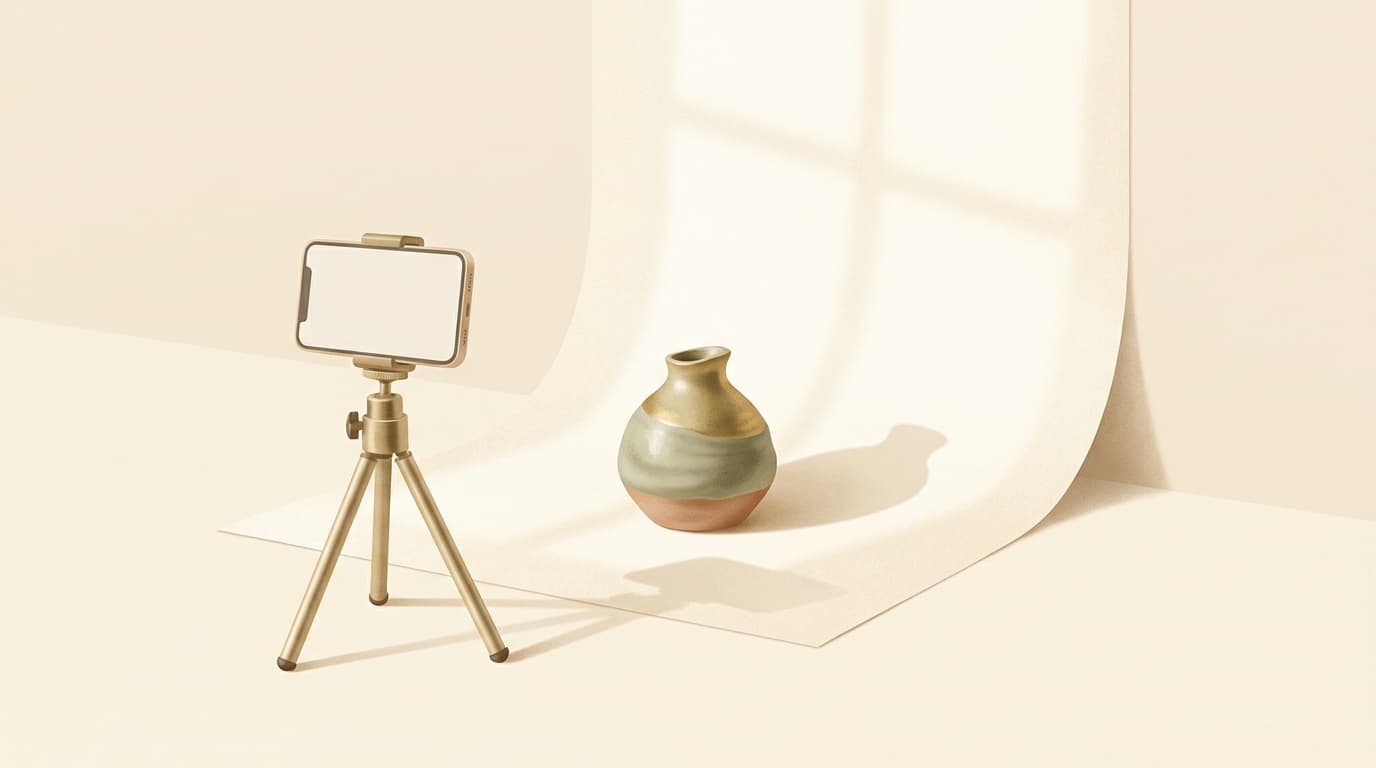
Here's the uncomfortable truth we'll say even though we make a listing-writing tool: no title, tag, or description fixes a bad photo. Your first image decides whether anyone clicks, click rate feeds your ranking, and your full gallery decides whether the click becomes a sale. Photos are the highest-leverage thing on your listing — and you can shoot great ones with a phone and a window. Here's how.
Not sure why a listing isn't converting?
Roast My Listing reads your photo and tells you what's hurting the click — free, in seconds.
Why the first photo is your highest-leverage asset
Etsy's algorithm watches click-through and conversion, and both start with your thumbnail. A great first photo lifts your click rate, which lifts your ranking, which brings more clicks — a compounding loop. A weak one does the reverse, no matter how perfect your keywords are. This is also the most common reason for views but no sales: the photo got the click but didn't survive the zoom.
The gear myth
You don't need a DSLR. A modern phone next to a big window beats an expensive camera used badly. Natural light, a clean background, and a steady hand (prop the phone or use a cheap tripod) get you 90% of the way. Spend on a $15 piece of poster board for backgrounds before you spend on a camera.
The shots every listing needs
- 1The hero (first image). Clean, bright, fills the frame, product unmistakable at thumbnail size. This is the one that wins or loses the click.
- 2Scale and context. Show the product in use or next to something familiar so buyers understand the size. "How big is it?" kills more sales than price.
- 3Detail crops. Close-ups of texture, material, and craftsmanship. This is where you justify a handmade price.
- 4Multiple angles. Back, side, inside — answer the questions a buyer would ask if they could pick it up.
- 5A lifestyle shot. The product in a real setting helps the buyer picture owning it.
- 6For digital products: real screenshots or clean mockups of the actual file, not just a pretty cover. Buyers want to see what they're getting.
Lighting and background
- Use soft, indirect natural light. A big window with the product to the side of it. Avoid harsh direct sun and your ceiling lights (they cast orange, muddy tones).
- Keep the background clean and consistent. A plain, light, uncluttered backdrop makes the product pop and reads as professional. Consistency across listings builds a recognizable brand.
- Edit lightly. Straighten, brighten, and color-correct to look true to life. Don't over-filter — buyers feel cheated when the item doesn't match the photo, and that means returns and bad reviews.
First-image rules for the thumbnail
Most buyers see your first photo as a small thumbnail in a grid of competitors. So it must read instantly at small size: the product fills the frame, there's strong contrast against the background, and the style is consistent with your other listings so your shop is recognizable as buyers scroll. If you have to squint to tell what it is at thumbnail size, it's losing clicks.
Common photo mistakes
- Dark or yellow lighting. The number-one amateur tell. Shoot by a window.
- Cluttered backgrounds. Props competing with the product. Simplify.
- No sense of scale. Buyers can't guess dimensions from a floating object.
- Inconsistent style across the gallery. Makes a shop look unprofessional and disjointed.
- Low resolution or blur. Buyers read it as low quality and bounce.
- Over-filtering. Looks great, sells the wrong product, earns returns.
What to do this week
Take your worst-performing listing and reshoot just the first photo by a window: clean background, product filling the frame, bright and true to color. Swap it in and watch the click rate in Shop Stats over the next couple of weeks. It's the single highest-leverage change most shops can make, and it costs nothing.
Photos are on you. The words are on us.
Reshoot the photo, then generate the title, 13 tags, and description from it with Artlister →. Or roast the listing first to see exactly what's holding the click back.